Skip to content

Your child's early years, in one place.

Health, development and finances, from birth to 18. Growth, vaccines, milestones and a diary for each child, shared with the people who care with you.

BetaFree during the beta. No card.

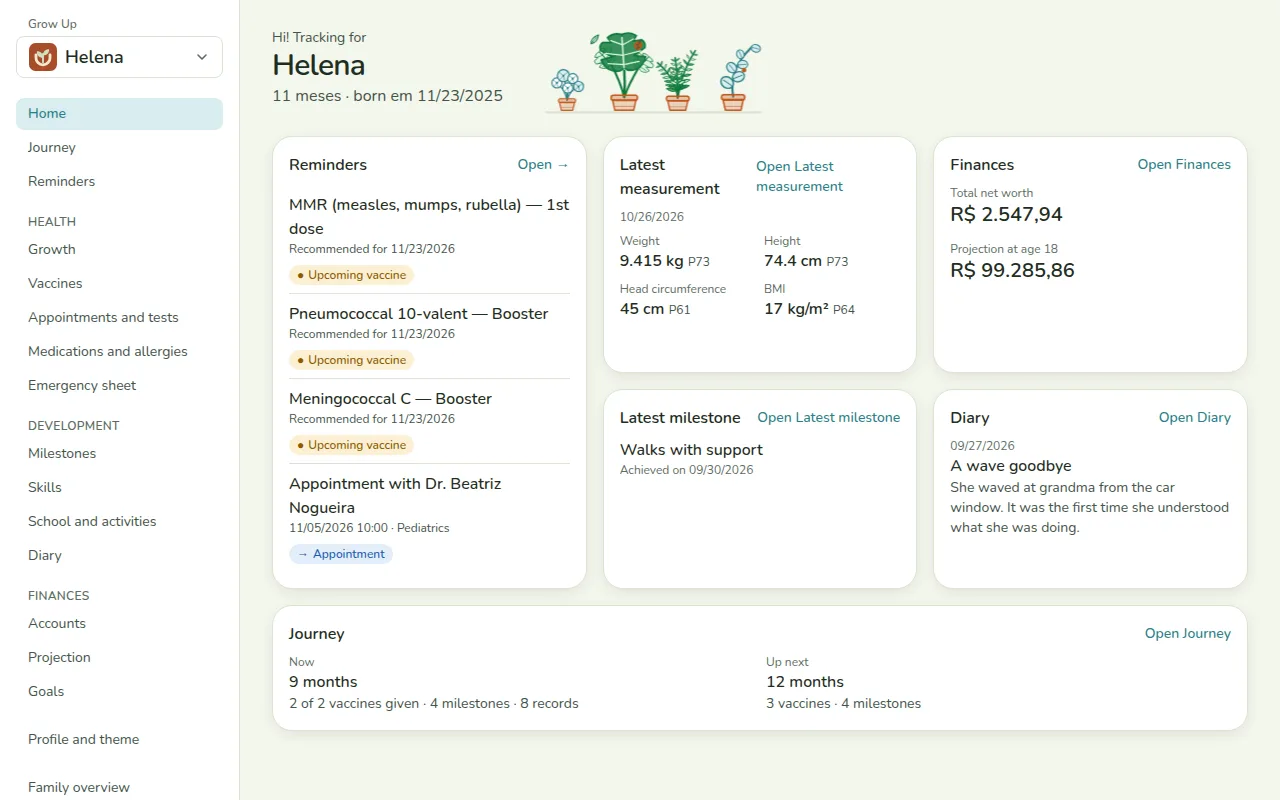
In the video: Helena's dashboard at 11 months, the growth chart, vaccines, milestones, the journey by age, the diary and the family view.

Three steps and you are already recording

  1. Step 1: Request your invite

    Leave your name and email on the waitlist. With the invite link, the account is ready in a minute, with no card.

  2. Step 2: Add the baby

    Name, date of birth and a theme of their own, so the page looks like the child.

  3. Step 3: Record and follow

    Measurements, vaccines, milestones and everyday moments. Grow Up organizes them and shows what comes next.

What Grow Up keeps for you

First the baby's health and development. Then the rest of life up to 18.

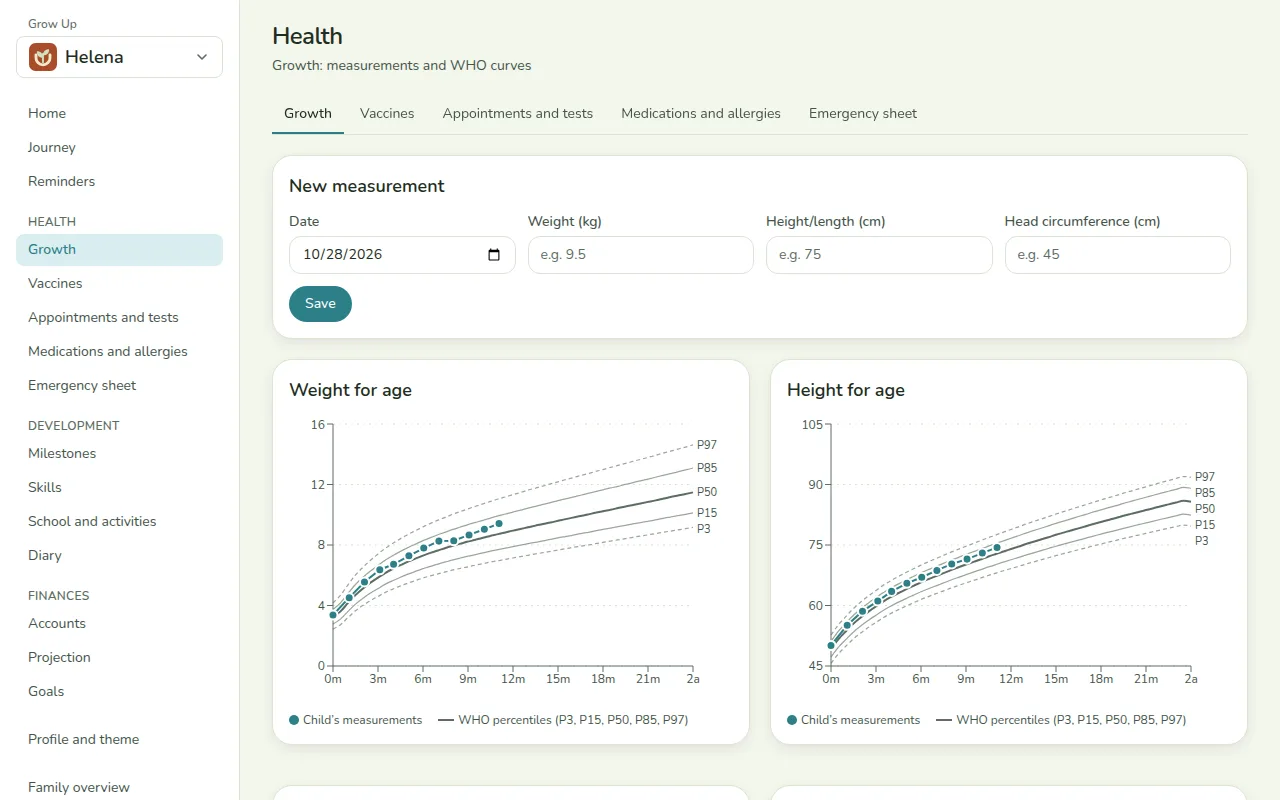
Growth on the WHO curves

Write down weight, length or height and head circumference at each visit. Grow Up places every measurement on the right curve for the child's age and sex and shows the percentile.

  • Weight, height, head circumference and BMI
  • World Health Organization growth curves
  • A history of every measurement in a table
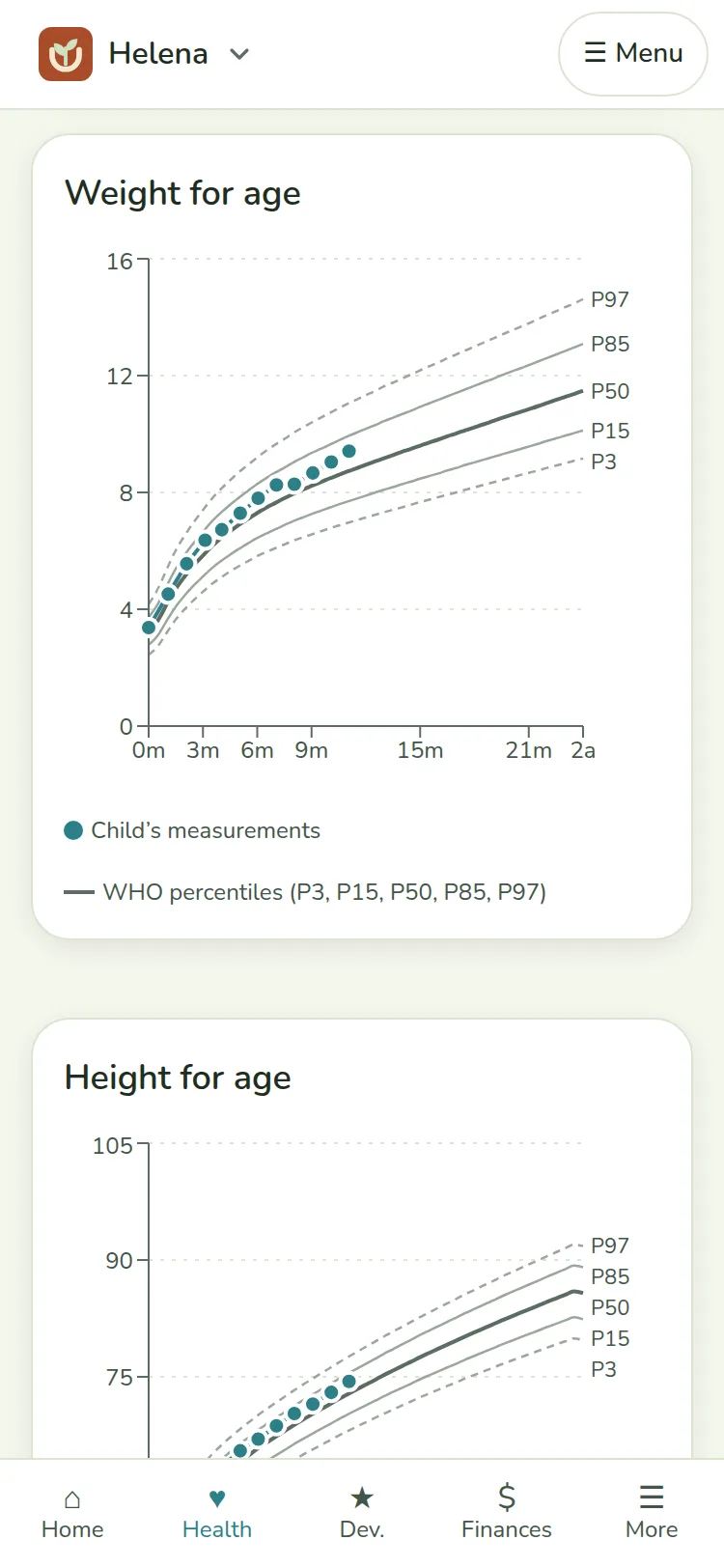
Helena’s growth on the phone, with the WHO curves and monthly measurements between the 50th and 75th percentiles.

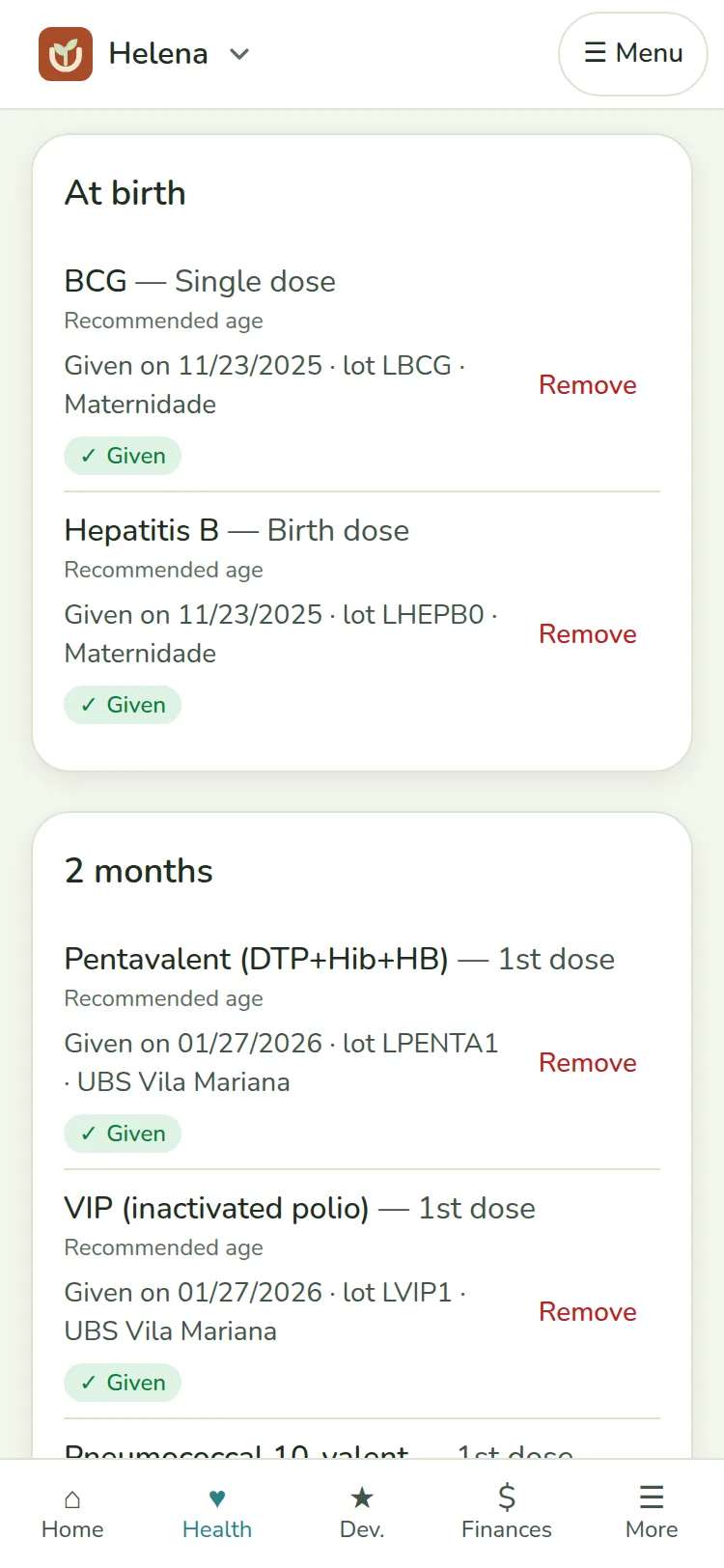
Vaccines on the PNI calendar

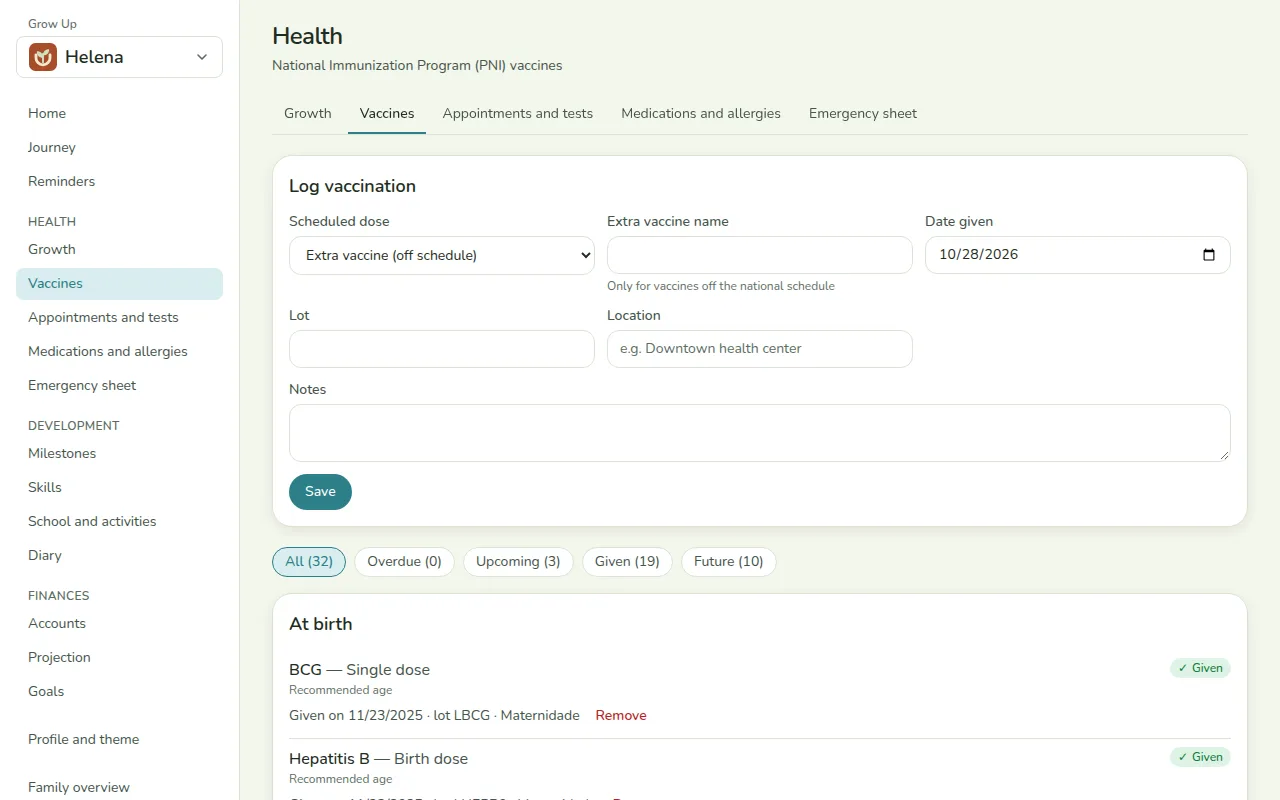
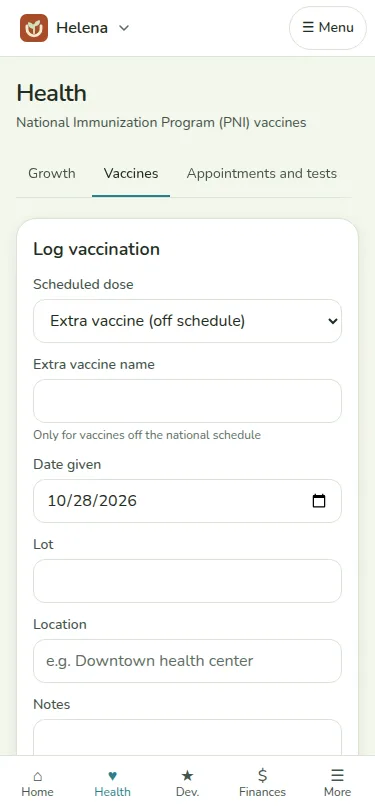
The national immunization calendar is already there. Mark each dose given and see at a glance what is missing.

  • Each dose shows as given, next or overdue
  • The child and adolescent calendar from the Ministry of Health
  • Upcoming and overdue doses become reminders on the dashboard
Helena’s vaccines on the phone: the PNI schedule with the doses given and the next dose.

Development milestones and a diary

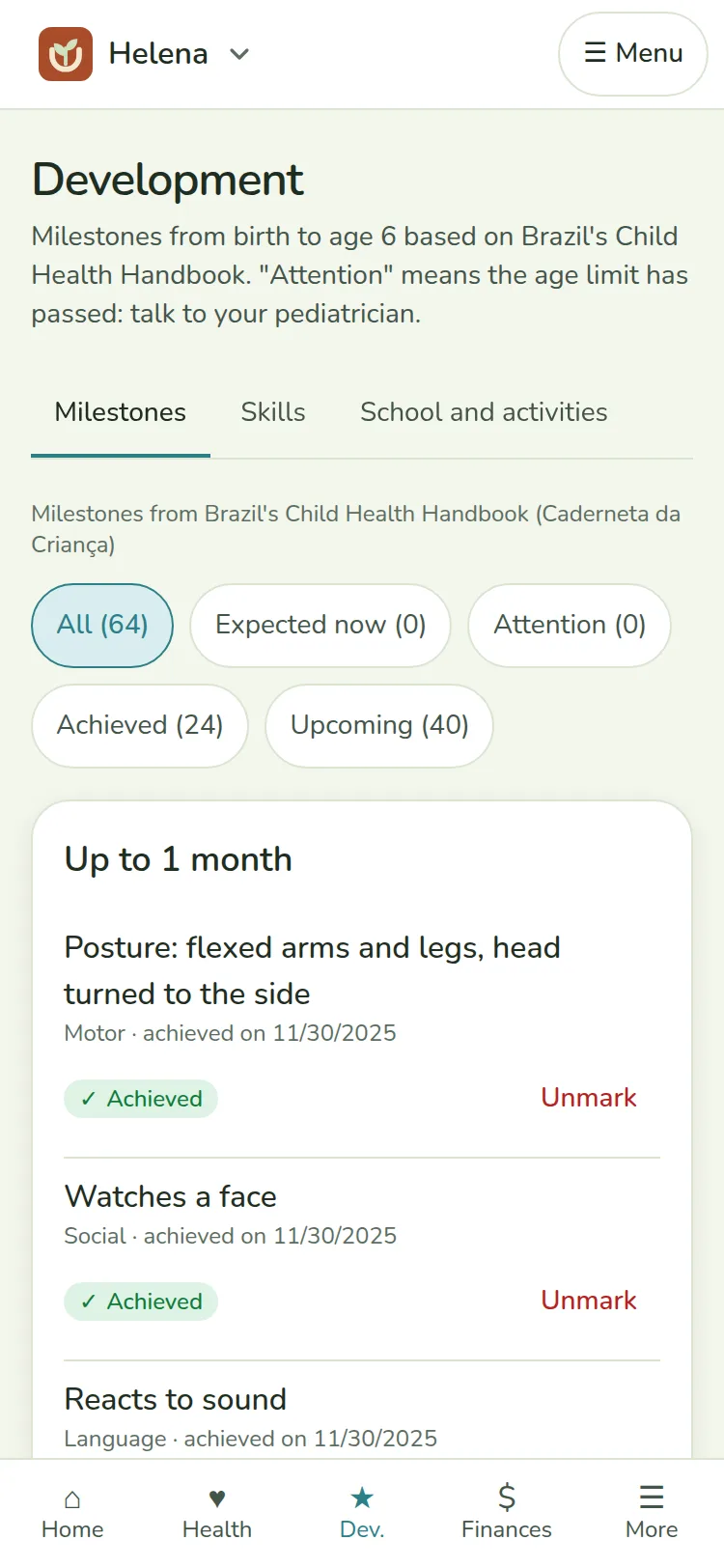
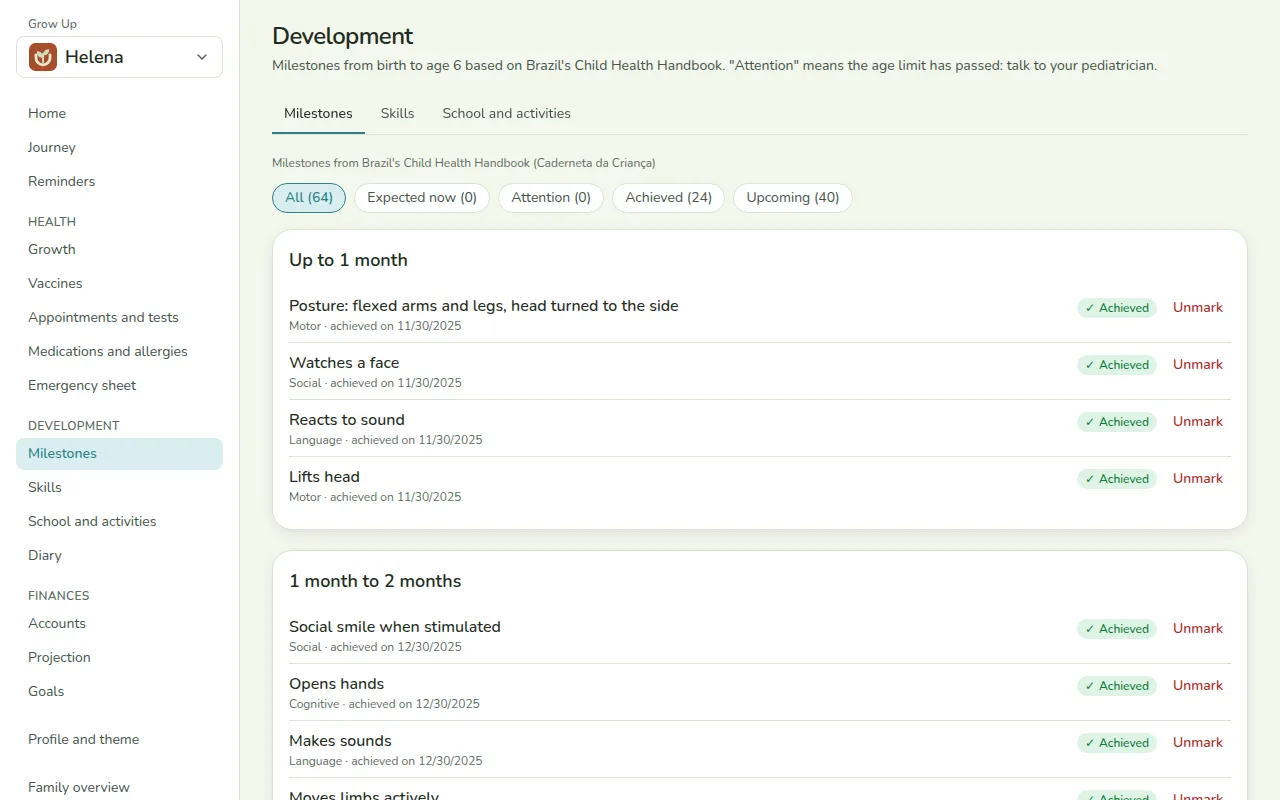
Follow what the baby can already do, with the milestones from Brazil's Child Health Handbook, and keep the moments you do not want to forget.

  • Milestones from 0 to 6 years: motor, language, social and cognitive
  • Milestones that need attention show up in reminders
  • A diary with text and photos
Helena’s developmental milestones on the phone, from Brazil’s Child Health Handbook.

The journey, by age

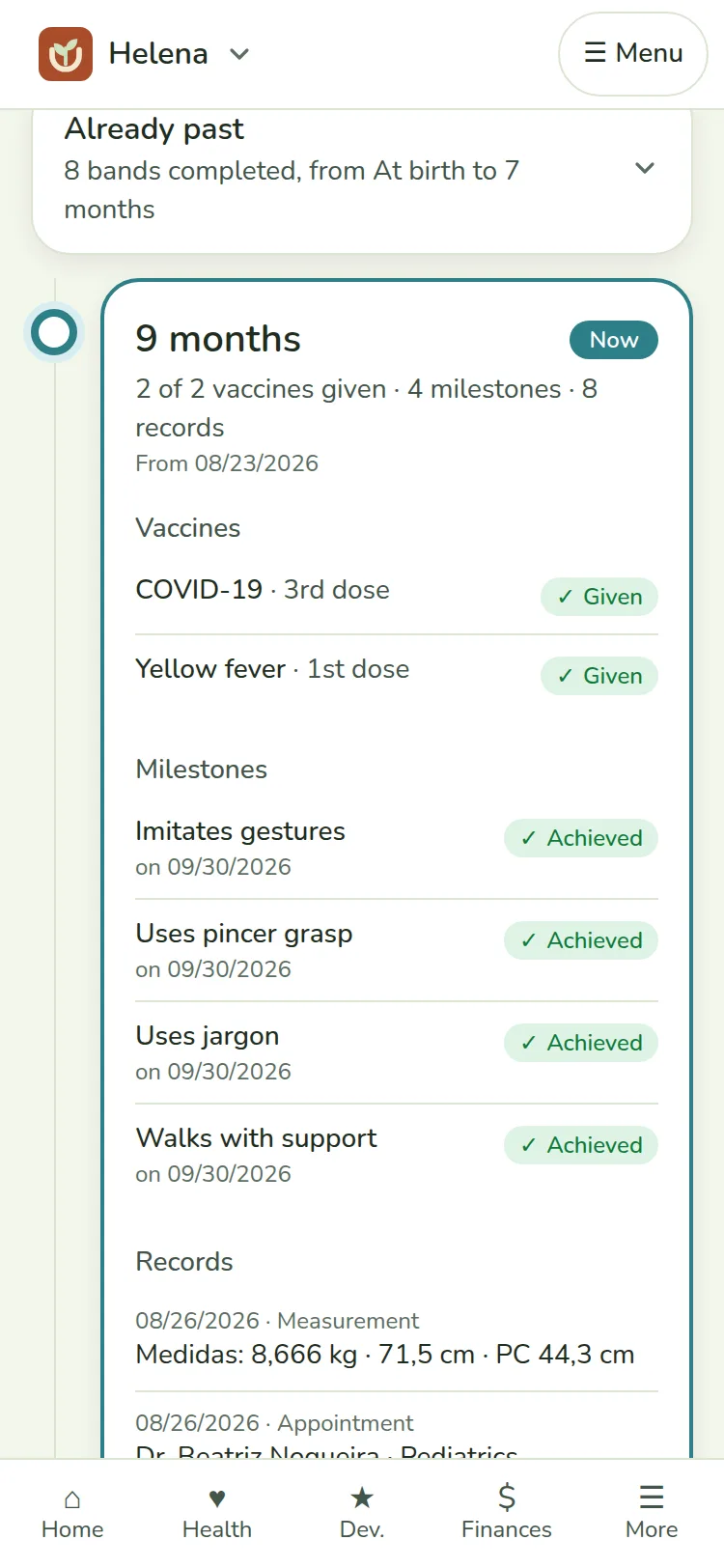
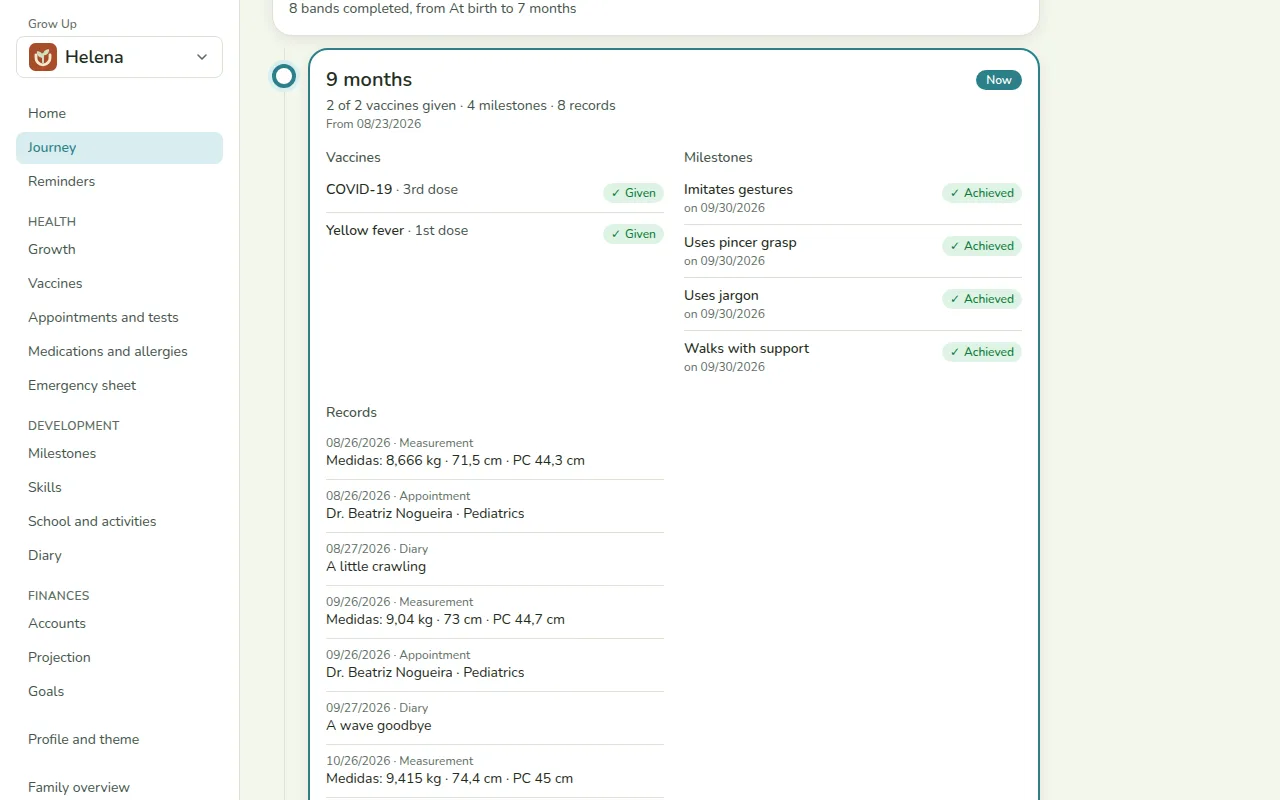
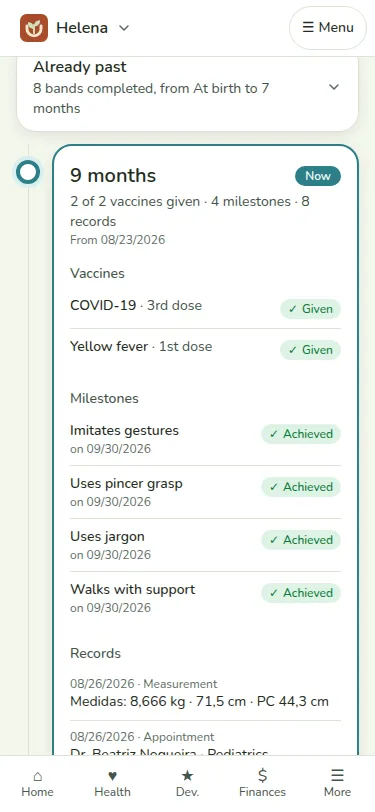
Vaccines, measurements, appointments, milestones and the diary together on a timeline, from birth to 18. The Now marker shows where you are.

  • 20 age bands, from birth to 18
  • Everything you recorded, in the month it happened
  • The page scrolls to Now when it opens
Helena’s Journey on the phone: the age timeline at the Now marker.

Reminders and an emergency card

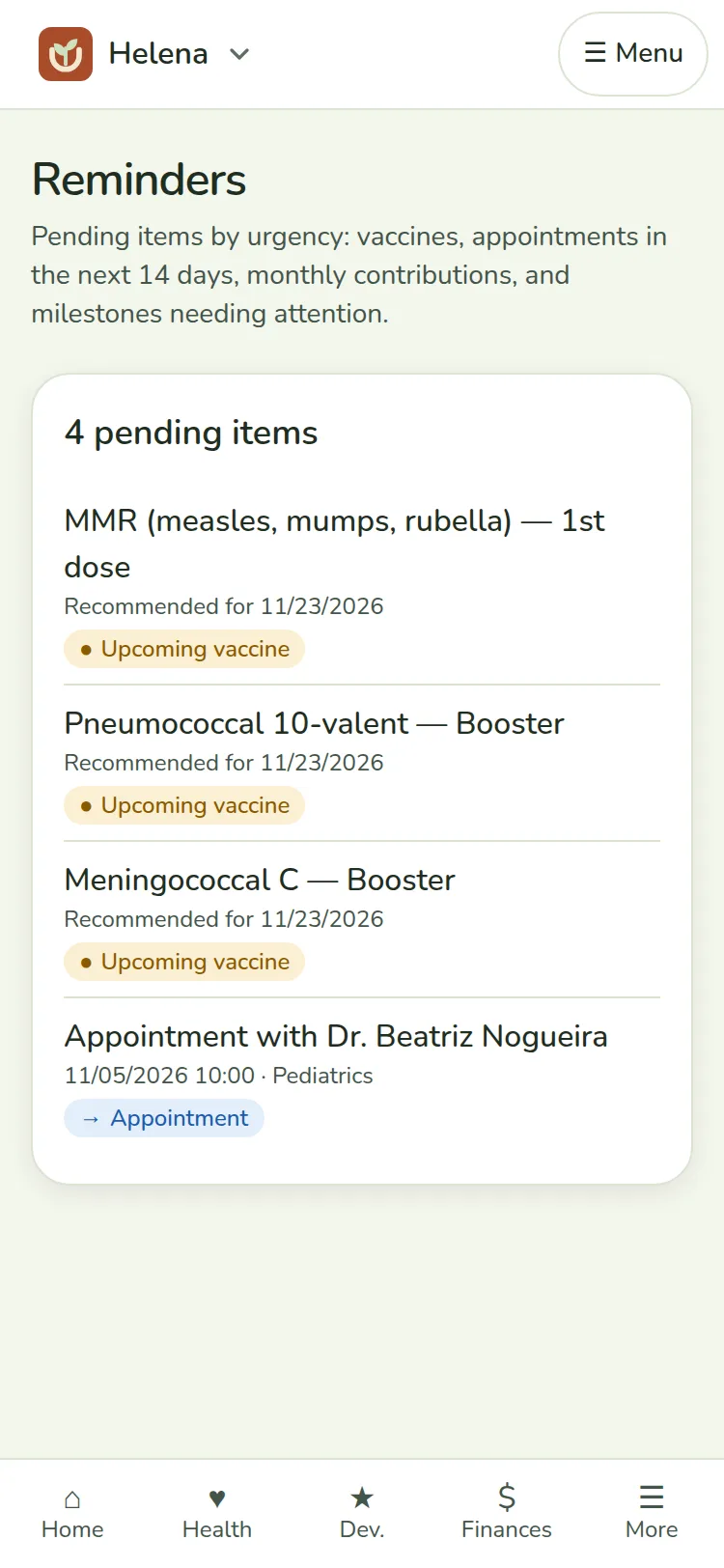
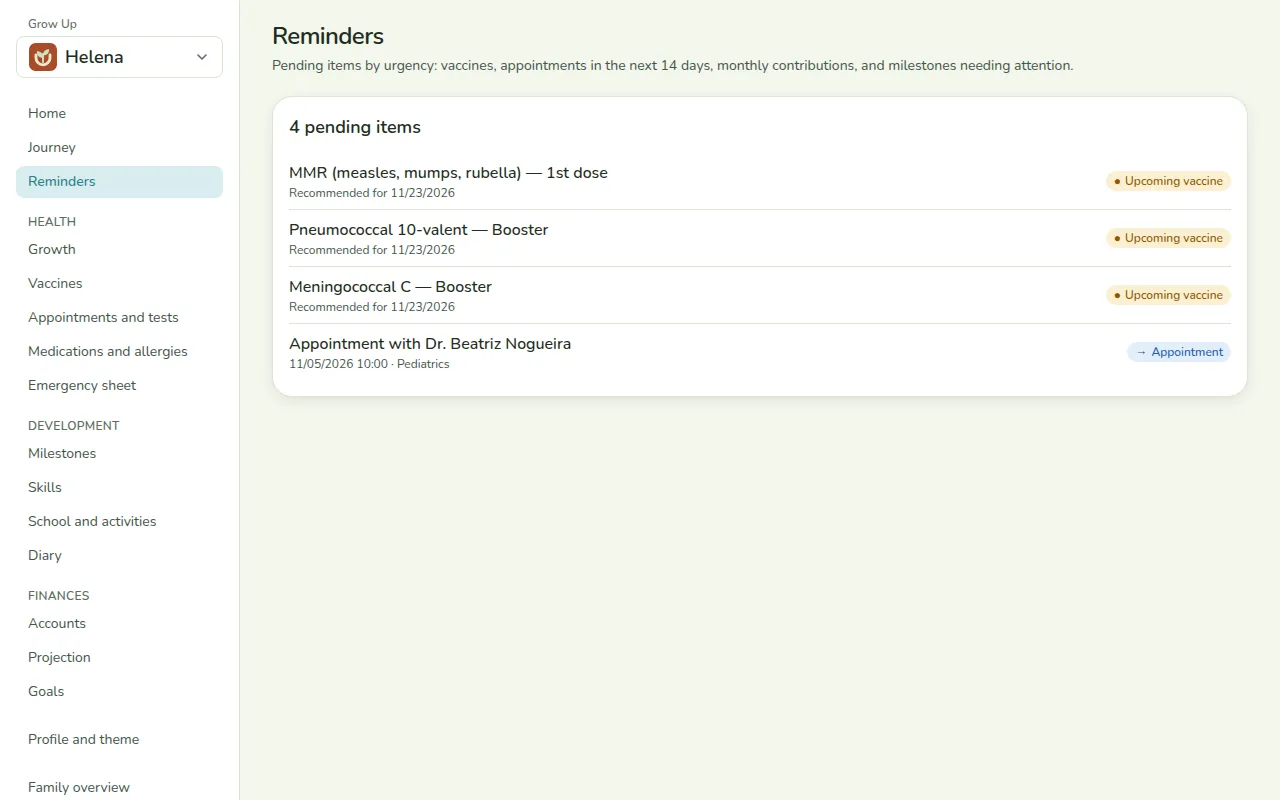
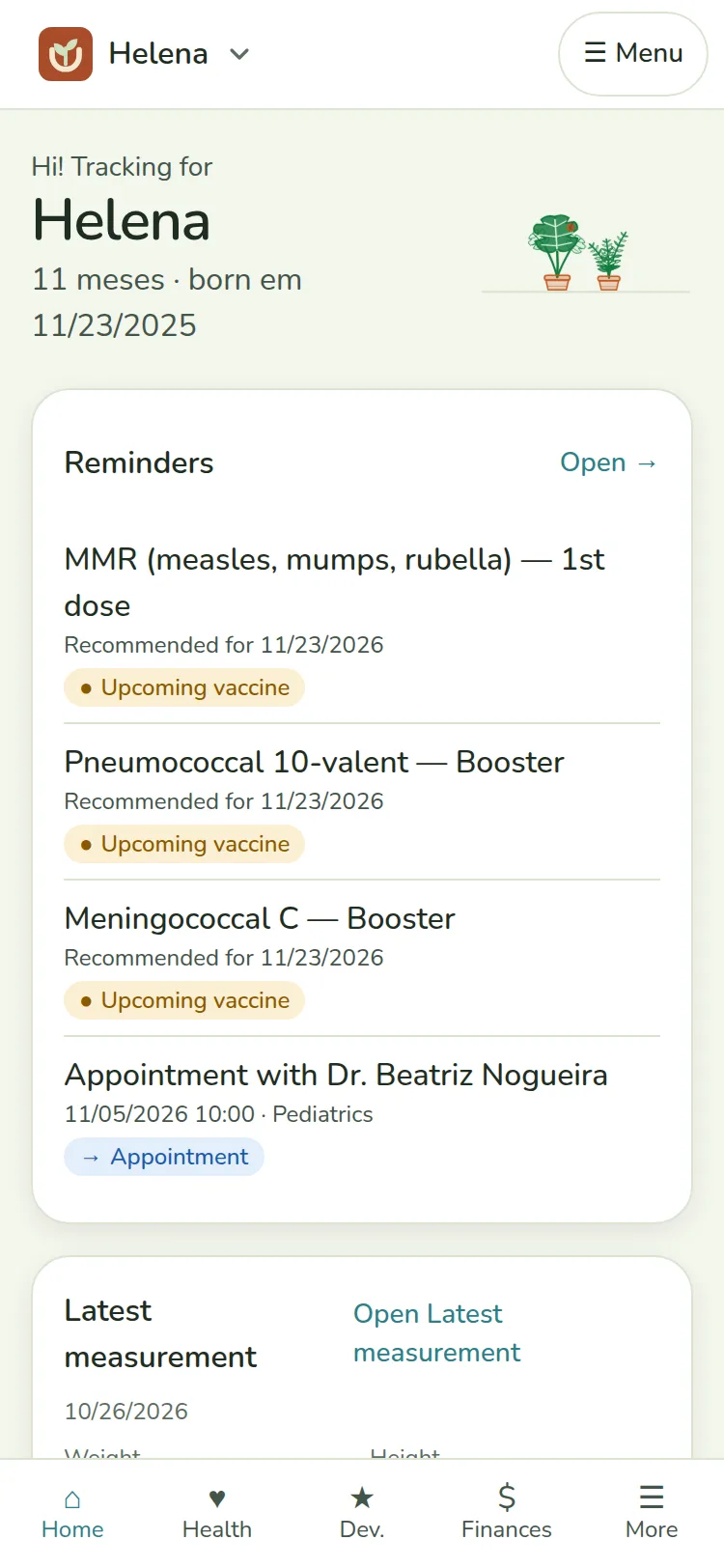
The dashboard shows what needs your attention this week. And the emergency card is at hand for whoever is with the child.

  • Reminders for a vaccine, an appointment, a milestone and the month's contribution
  • A card with blood type, allergies, medications and a contact
  • Ready to print
Helena’s reminders on the phone, such as the next appointment and the next vaccine.

Share with the people who care too

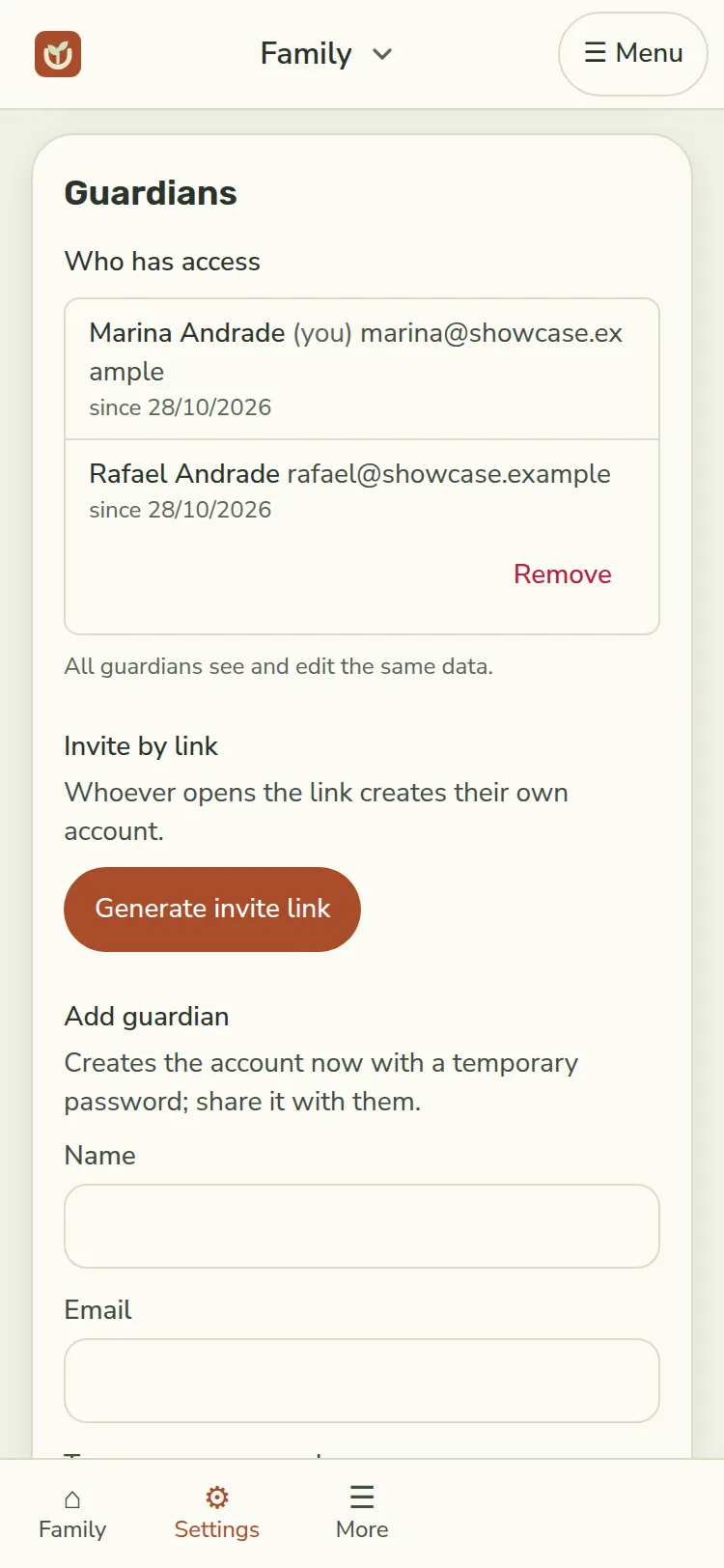
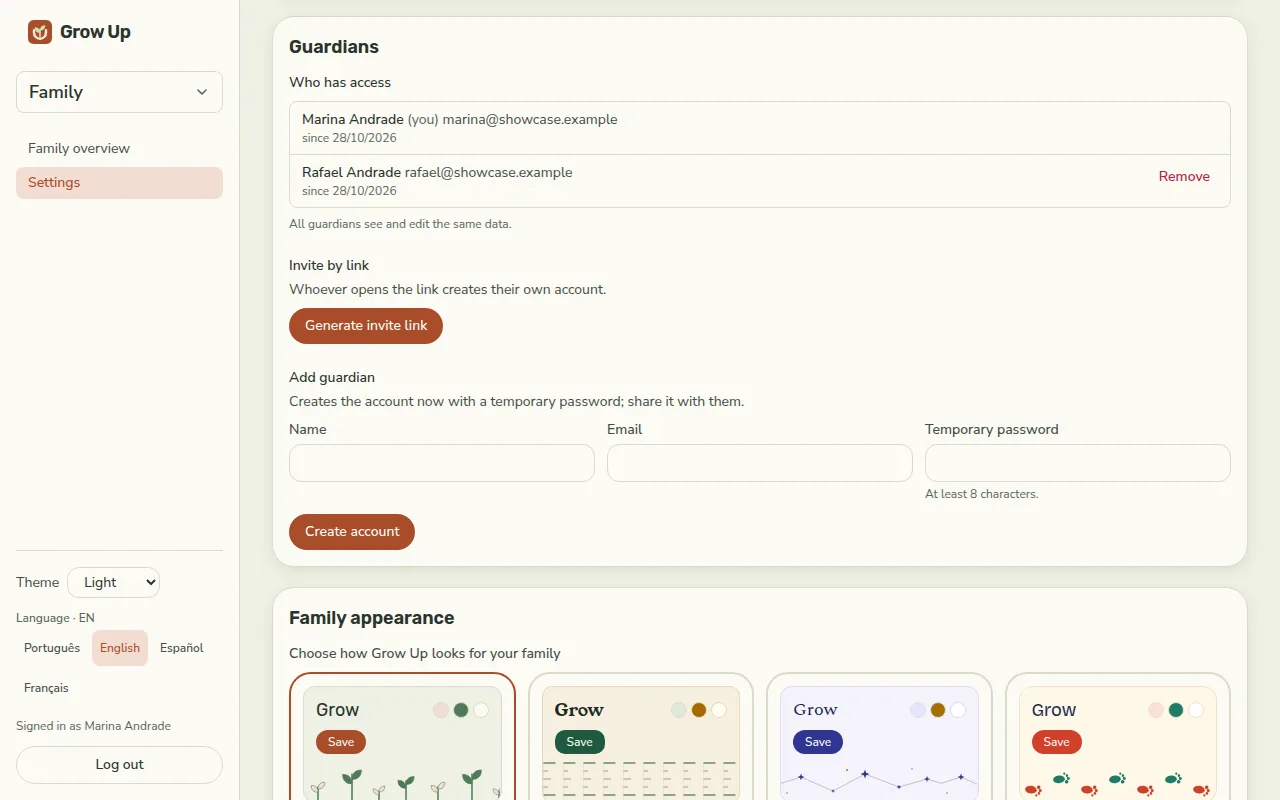
Invite the other guardian with a link. Every guardian sees and edits the same data, and each family sees only its own.

  • A single-use invite, valid for 7 days
  • More than one child on the same account, each with their own dashboard
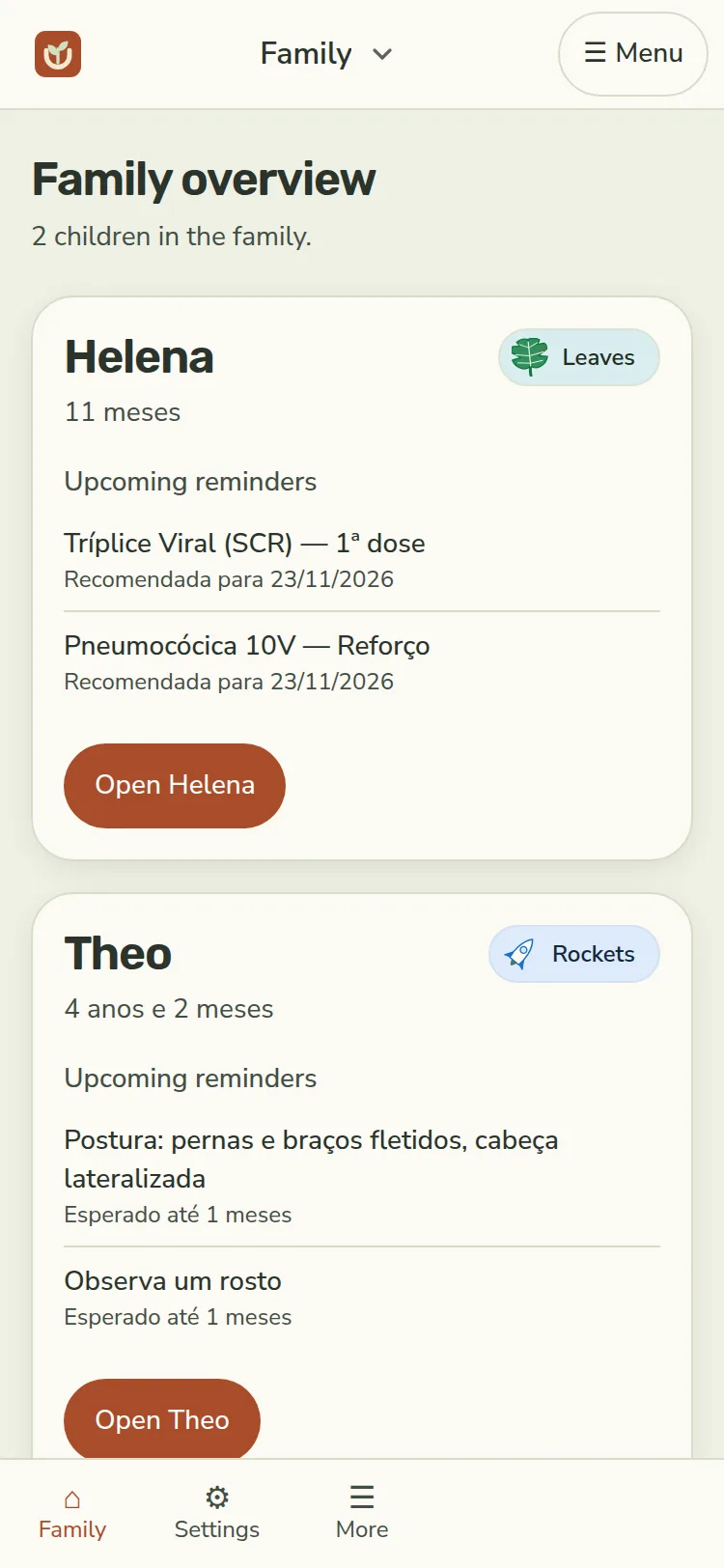
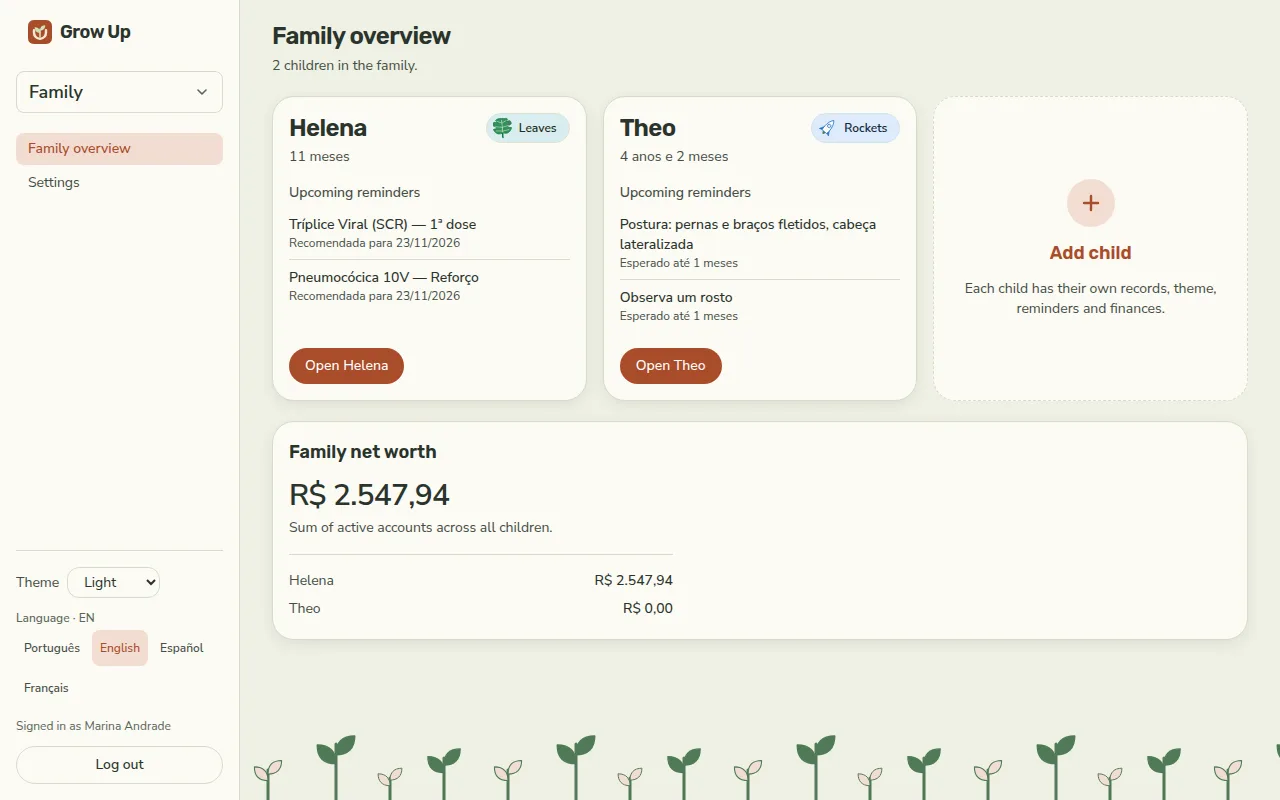
  • A family overview with every child
Family settings on the phone, with Marina and Rafael as guardians.

Finances through age 18

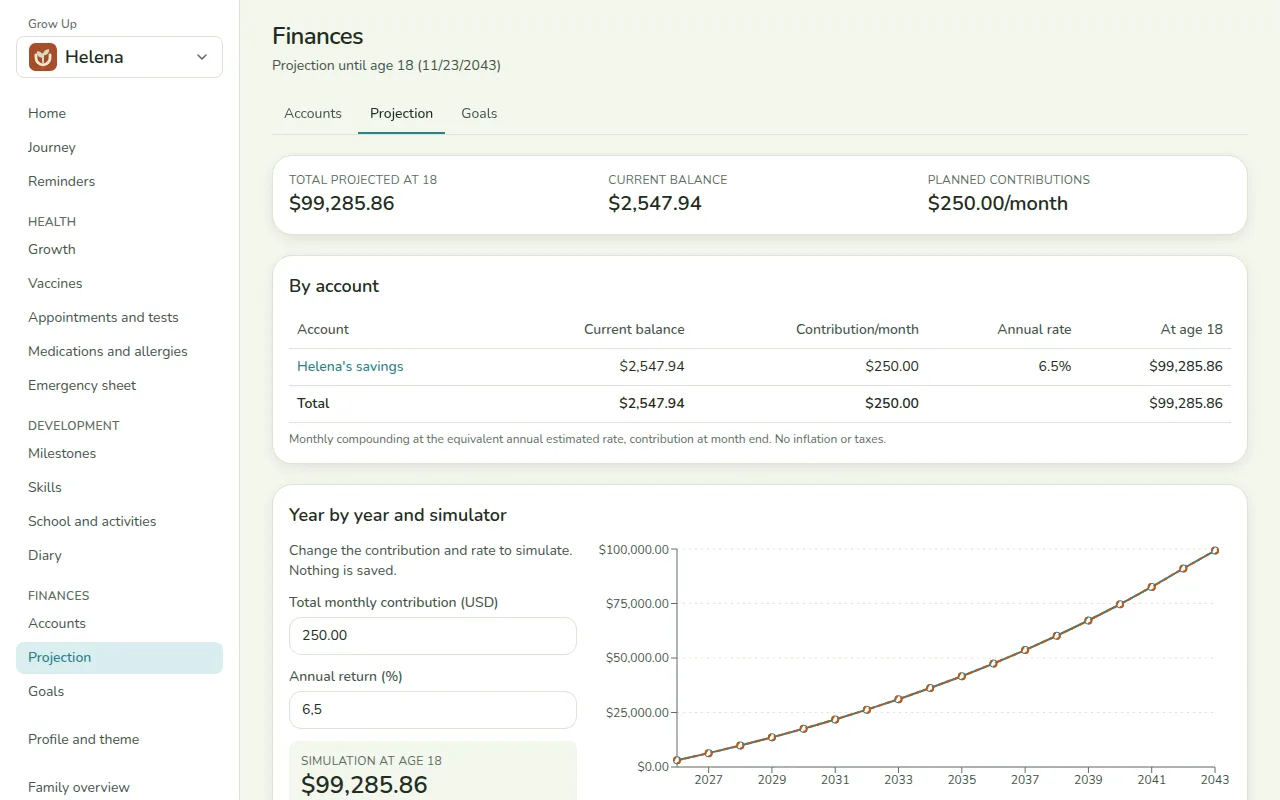
Once the basics are in place, plan their future: accounts, goals and a projection of what will be saved by age 18.

  • Accounts and monthly contributions
  • Goals, such as college
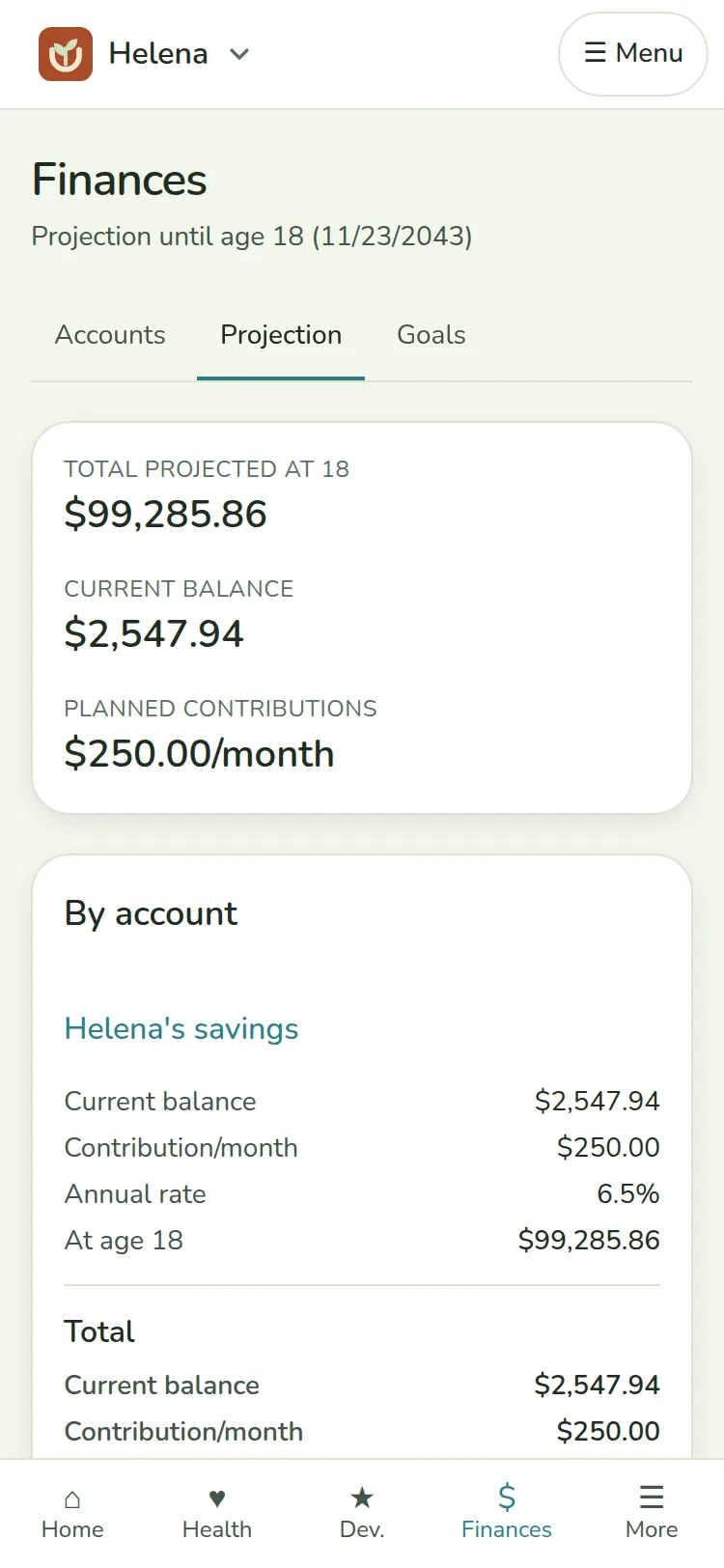
  • A projection through the month they turn 18
Projection of Helena’s savings on the phone, with the goal Helena’s college.

Connect to your AI assistant

Ask ChatGPT, Claude or Grok when the next vaccine is due, or send it a photo of the vaccination card to record. You authorize it in Grow Up and choose whether it only reads or can also record.

Connector address
https://grow-up-brown.vercel.app/api/mcp

Add it as a custom connector in ChatGPT, Claude or grok.com.

See the step-by-step guide
In the video: connecting Grow Up to ChatGPT, authorizing access and asking the first question.

Take a look inside

Real screens from a sample family: Helena, 11 months, and her brother Theo, 4.

Helena’s dashboard on the phone: latest measurement, next vaccine, next appointment and this week’s reminders.

The dashboard. The latest measurement, the next vaccine and the next appointment, right at the top.

Made with care

This is a child's data. So we only say what Grow Up actually does.

Each family sees only its own

One family's data never appears to another, on any screen.

Your data leaves with you

Export everything as JSON or CSV and keep a backup whenever you want.

Delete whenever you want

You can delete your account or the whole family, including the files.

No ads, no tracking

There are no ads and no third-party analytics. Only two necessary cookies: the session and the chosen appearance.

Built for the LGPD

We ask the legal guardian's consent to store the child's data, as the LGPD requires (art. 14).

Official sources

WHO curves, the Ministry of Health PNI calendar and milestones from the Caderneta da Criança.

Privacy PolicyTerms of UseGrow Up does not replace a pediatrician's care.

Questions

How do I get access?

For now, signing up is by invite only. Under “Request an invite” you leave your name and email on the waitlist and, when there is a place, we send the link to create your account. If you already have an invite link, just open it.

Is it free?

Yes. Grow Up is free during the beta and you do not need a card to create the account.

Who sees my child's data?

Only the guardians of your family, the people you invite. Other families have no access. There are no ads and no third-party analytics.

Can I use it with the other guardian?

Yes. You create a single-use invite, valid for 7 days, and they join the same family. Every guardian sees and edits the same data.

What if I have more than one child?

Each child has their own dashboard, with separate records, theme and finances, and the family page shows them together.

Does it work on a phone?

Yes, in the browser: the site fits the phone screen. There is no app store application yet.

Can I export or delete everything?

Yes. In Settings you download a full JSON backup or the data as CSV, and you can also delete your account or the whole family.

Does it replace the pediatrician?

No. Grow Up organizes what you record and shows the official references, but the pediatrician is who assesses the child's health.

Where do the curves and the vaccines come from?

The growth curves are from the WHO, the vaccine calendar is the PNI from the Ministry of Health, and the milestones come from the Caderneta da Criança.

Start with the first record.

Free during the beta. No card.

Request an invite